

Chrome Remote Desktop
Music & AudioFree
Chrome Remote Desktop extension
3.12,900 reviews37M+
View Extension
Easily block websites of your choice!
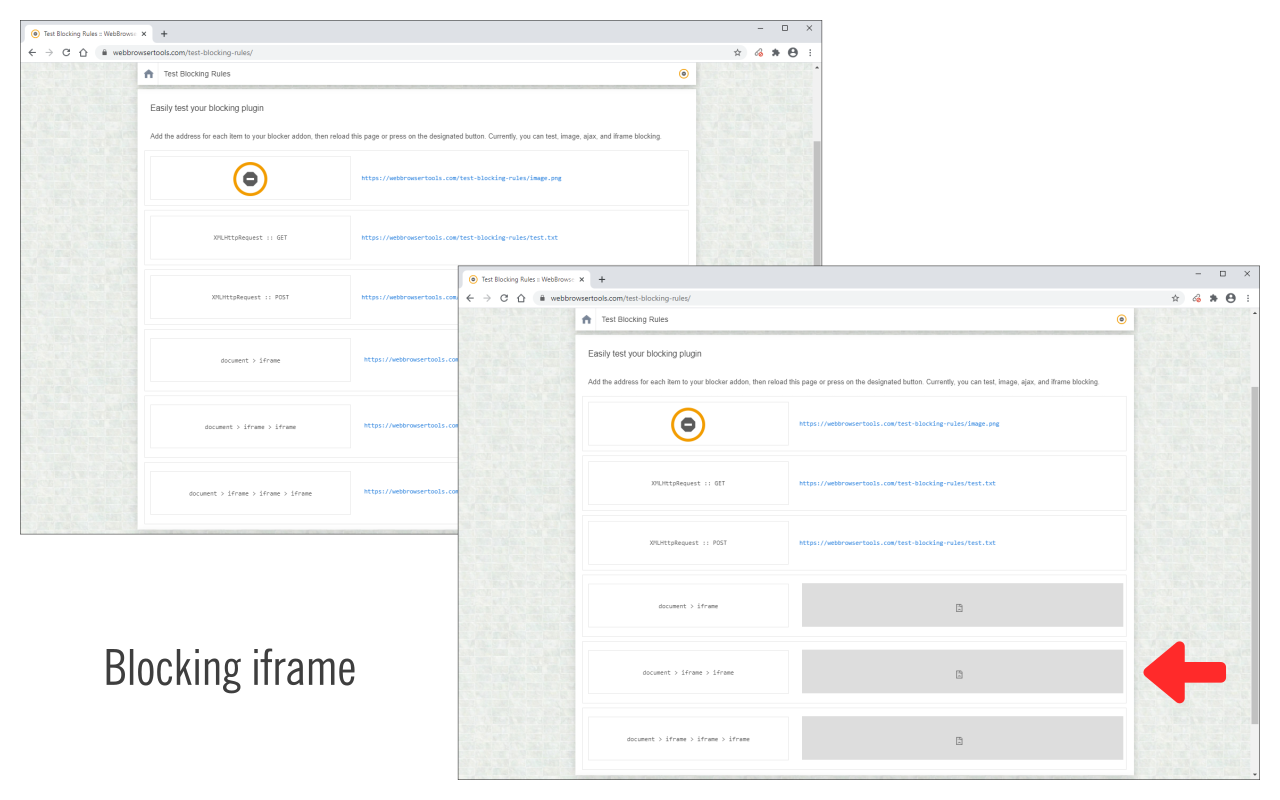
Block Site is a browser extension to help you block desired websites (domains). To work with this addon, simply right-click on any webpage and then click on the "Block this website" via the context-menu item. The website's domain address will be added to the block list (see options page). Please note, the whole domain will be added to the block list, not just a URL. To change this list, open the options page, remove the desired item, or add a new one. For any blocked domain, you can add a redirect URL on the options page. To do so, please first add a domain to the blocked list, and then add a redirect URL in the second column (as shown in the last screenshot). Now, instead of blocking a domain, the website will be redirected to the redirect URL. There is also an option to block desired iframes. To do so, please add the URL (for the iframe) in the designated area on the options page (top section). To report bugs, please visit the addon's homepage (https://mybrowseraddon.com/block-site.html) and fill out the bug report form.
Block Site is free. There is no paid tier to consider.
Chrome Remote Desktop extension

VeePN is a VPN extension that unblocks websites and secures your connection with encrypted tunneling and unlimited bandwidth.

Do more in Google Chrome with Adobe Acrobat PDF tools. View, fill, comment, sign, and try convert and compress tools.

Generates a dark theme for every website.

Found a webpage, image, or quote that you want to save for later? With the Google Keep Chrome Extension, easily save the things yo.

The simplest and most reliable volume booster 🚀 Features ⭐️ Up to 600 % volume boost ⭐️ Control volume of any tab ⭐️ Voice boost -.
Yes, Block Site is free to use.
Block Site is published by Block Site. As with any extension, review the permissions it requests before installing and remove it if you stop using it.
Browse the Music & Audio category for comparable options.
Picked from the Music & Audio category and the tags block, site — jump straight to the alternatives and head-to-head pages people open next.
Side-by-side feature tables, pricing and a clear recommendation.