

Save All Resources
Developer ToolsFree
Save all resources files with retaining folder structure.
4.6387 reviews400K+
View Extension
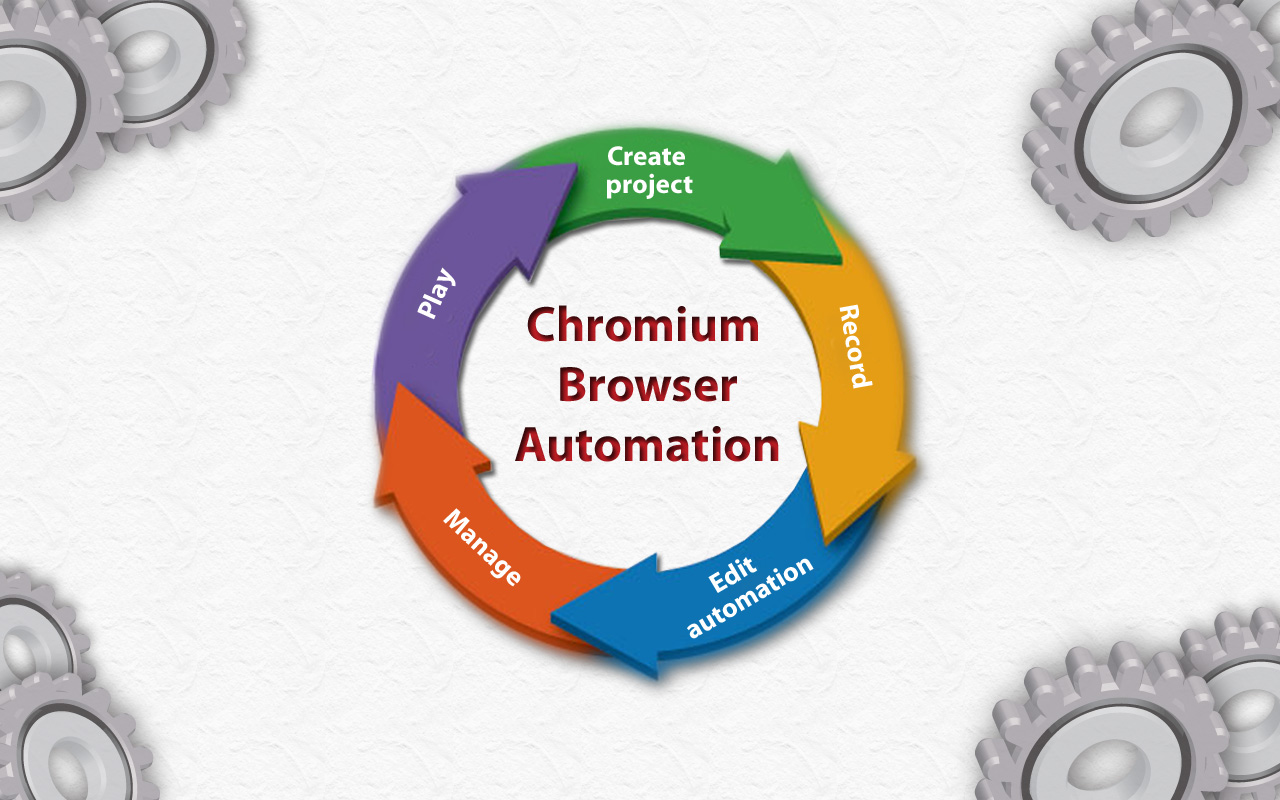
Extension for automating chromium browser, Create project -> Record -> Edit Automation -> Manage -> Play (MV3)
1. CBA gives ability to setup step-by-step code injections from the Extensions popup interface. 2. Record user interactions while navigating web pages (filling forms, clicking buttons, hyperlinks and smart algorithms for DOM element path calculations). 3. Save Projects in your browser's local storage. 4. Step by step code injection. 5. Import, export and share projects with collaborators. 6. Extensions ready functions now available. 7. Implement useful Extension placeholders. 8. Write your own code to access the web page's DOM. 9. And much much more... Github: https://github.com/browser-automation/cba Issues and feature requests: https://github.com/browser-automation/cba/issues Privacy Policy: https://chrome-automation.com/privacy Contact email: saroyanm@gmail.com
Chromium browser automation is free. There is no paid tier to consider.
Save all resources files with retaining folder structure.

Take FULL webpage screenshots. Capture, edit and save them to PDF/JPEG/GIF/PNG, upload, print, send to OneNote, clipboard or email.

Simple yet powerful Cookie Editor that allow you to quickly create, edit and delete cookies without leaving your tab.

An easy-to-use font inspector to get CSS styles of the selected element

HEX, RGB Color picker, Advanched Eyedropper, Find color code on any page

Meta Ads Data Advisor automates connecting your website and marketing data to Meta for better ad performance. No developers needed.
Yes, Chromium browser automation is free to use.
Chromium browser automation is published by chrome-automation.com. As with any extension, review the permissions it requests before installing and remove it if you stop using it.
Browse the Developer Tools category for comparable options.
Picked from the Developer Tools category and the tags chromium, browser, automation — jump straight to the alternatives and head-to-head pages people open next.
Side-by-side feature tables, pricing and a clear recommendation.