

Web Editor
Developer ToolsFree
Forget about all the Code chaos and Customize your website in a handy way
4.234 reviews10K+
View Extension
Easily search and add a GIF into any GitHub comment box.
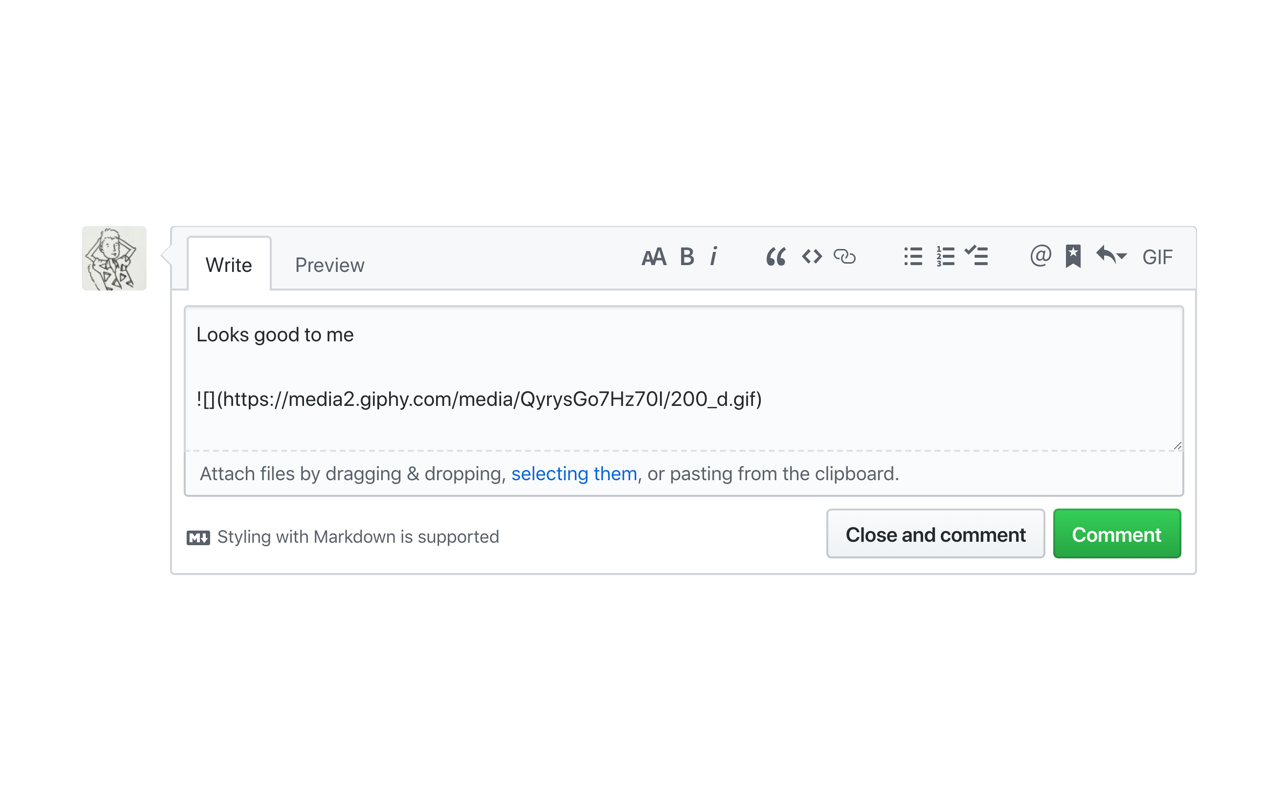
Do you simply *need* GIFs to express yourself in GitHub? All those pull requests, code reviews, issues, and comments... wouldn't life be easier if you could just search and add a GIF in the click of a button? Well, look no further. Now you can search GIPHY straight from any comment box in GitHub, and add a GIF to your wordy masterpiece in a matter of seconds. No more trying to find a GIF that's under 10MB, no more manual tab opening and searching, no more writing your own markdown — just living your best GIF life. How does it work? - Click the GIF button in the top right of your comment box - A GIPHY dropdown will appear on-screen so you can search for your purrfect GIF - Select your GIF, and it will appear wherever your cursor is in the text box - You're done! Send away See the website for more info.
GIFs for GitHub is free. There is no paid tier to consider.
Forget about all the Code chaos and Customize your website in a handy way

Point-and-click scraper that exports site data to CSV.

Take FULL webpage screenshots. Capture, edit and save them to PDF/JPEG/GIF/PNG, upload, print, send to OneNote, clipboard or email.

Tonalis Audio Recorder Redefines Tab Audio, Mic Recording, and Stereo Support for the Ultimate Experience

Identifies the technology stack behind any website.

Simple yet powerful Cookie Editor that allow you to quickly create, edit and delete cookies without leaving your tab.
Yes, GIFs for GitHub is free to use.
GIFs for GitHub is published by GIFs for GitHub. As with any extension, review the permissions it requests before installing and remove it if you stop using it.
Browse the Developer Tools category for comparable options.
Picked from the Developer Tools category and the tags gifs, github — jump straight to the alternatives and head-to-head pages people open next.
Side-by-side feature tables, pricing and a clear recommendation.