

Tampermonkey
Music & AudioFree
Tampermonkey lets you install and run userscripts to customize websites, automate repetitive tasks and enhance functionality.
4.773,000 reviews11M+
View Extension
Signing PDF document.
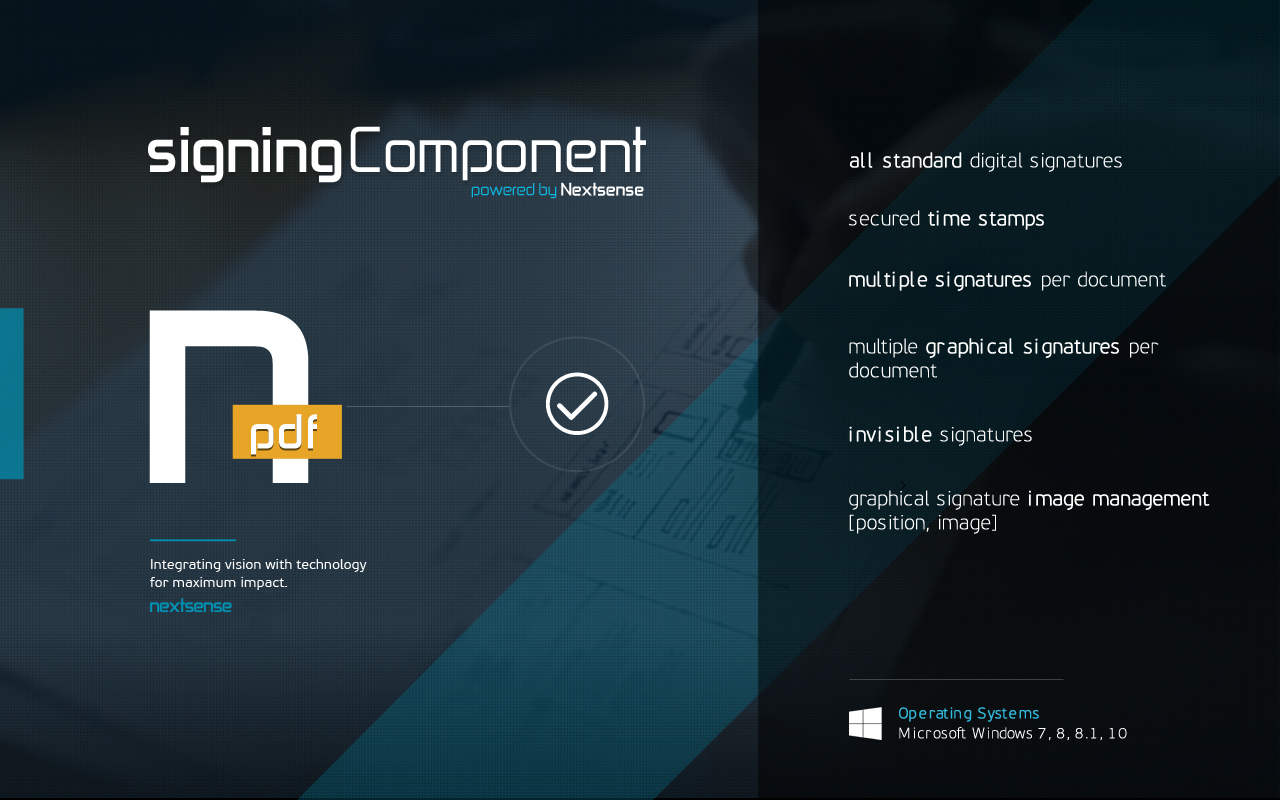
Nextsense PDF Signing Component is web based component that supports PDF document digital signing, signature verification and document encryption. This product is developed to enable browser signing of documents with user’s local digital certificates and it is supported by leading web browsers. Nextsense PDF Signing Component offers the following advantages: -Simple digital signing of documents from a web browser with user’s local digital certificates, which provides proof of the signer’s identity and document integrity -Enables detection and verification of existing digital signatures on PDF files -Provides possibility for document encryption with user’s public key, enabling document personalization and protection -Fully compliant with laws and regulations in the country and EU -Meets global technical standards for digital signing -Easy integration of signing component into existing web applications -Easy configuration of the component to set up trusted issuers, or list of approved signers, or uniquely allowed certificate
Nextsense PDF Signing Component is free. There is no paid tier to consider.
Tampermonkey lets you install and run userscripts to customize websites, automate repetitive tasks and enhance functionality.

Chrome Remote Desktop extension

Browsec VPN is a Chrome VPN extension that protects your IP from Internet threats and lets you browse privately for free.

The best way to experience 1Password in your browser. Easily sign in to sites, generate passwords, and store secure information.

✓ Permissions: like common ad-blocking extensions we do need default permissions on every website to remove ads or popups for exam.

The simplest and most reliable volume booster 🚀 Features ⭐️ Up to 600 % volume boost ⭐️ Control volume of any tab ⭐️ Voice boost -.
Yes, Nextsense PDF Signing Component is free to use.
Nextsense PDF Signing Component is published by Nextsense. As with any extension, review the permissions it requests before installing and remove it if you stop using it.
Browse the Music & Audio category for comparable options.
Picked from the Music & Audio category and the tags nextsense, pdf, signing — jump straight to the alternatives and head-to-head pages people open next.
Side-by-side feature tables, pricing and a clear recommendation.