

Browsec VPN - Free VPN for Chrome
ProductivityFree
Browsec VPN is a Chrome VPN extension that protects your IP from Internet threats and lets you browse privately for free.
4.540,100 reviews8M+
View Extension
The missing schedule view for Google Calendar
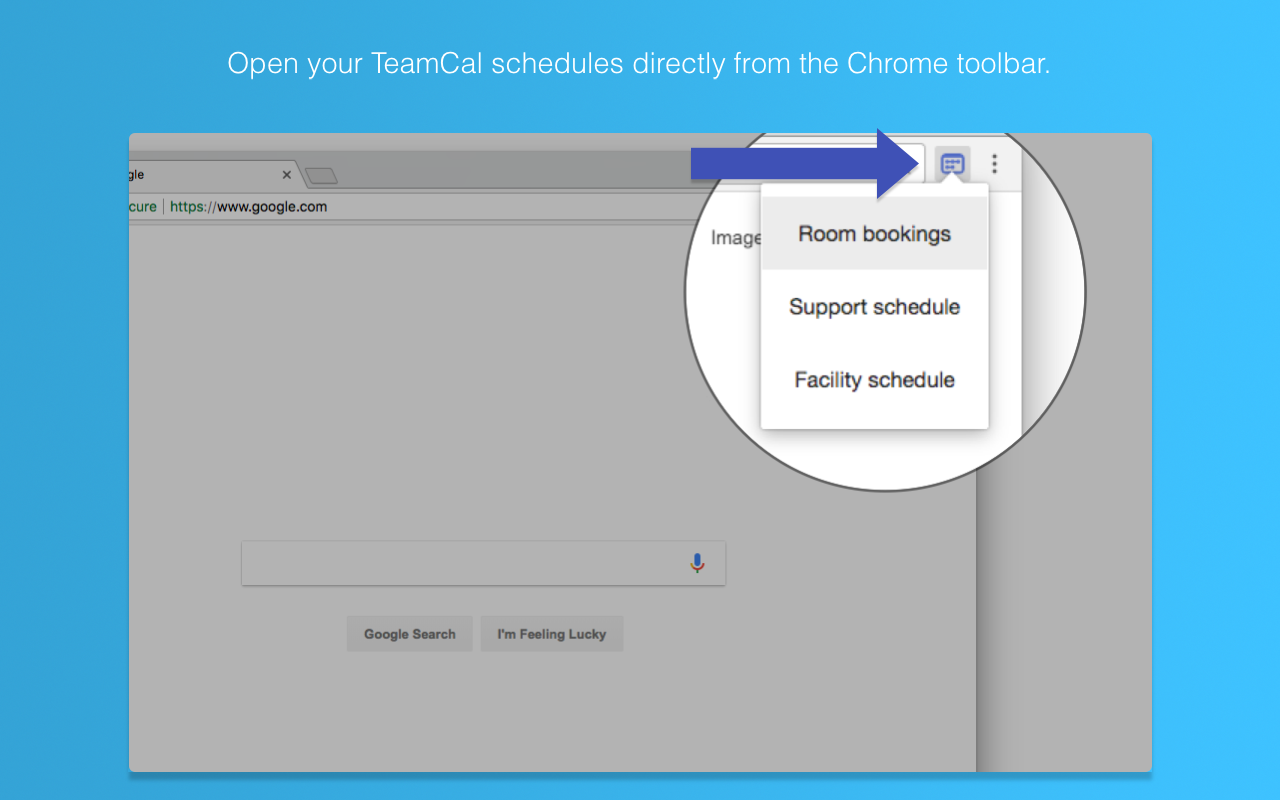
TeamCal provides a timeline view layout for Google Calendar that displays many calendars at once Get done more! Employee scheduling made easy. TeamCal transforms your Google Calendar into the perfect tool to schedule your employees, contractors, rooms, machinery, and resources. Google Calendar can become very cluttered when displaying multiple calendars. TeamCal will display your calendar data as a nice Gantt like “Schedule View”. The TeamCal schedule view is a new horizontal timeline view for Google Calendar that displays many calendars at once. See employee availability easily by comparing events on a horizontal Gantt like timeline view. With a glance, you can identify scheduling gaps and prevent overbooking. Perfect for scheduling staff rotations, on-call duty times, and team vacations. Stop switching between Google Calendar and other tools for scheduling your team. Because TeamCal uses your Google Calendar data, all information required for scheduling is available in a single place. Create new events or change existing ones directly within TeamCal. Share your schedule with employees and clients to keep everyone updated. With TeamCal, you can embed your schedule on a website, TV screen, or show it as a dashboard. You can export a PDF of your schedule, too. Print or send your planning results by email. Features: - Integrated & synced with Google Calendar - Customizable Scheduling view - Share, Print, and Export your schedules - Support for mobile and tablets - Multi-user functionality - And much more! Chrome Extension: This Chrome extension shows you all TeamCal schedules in a convenient drop down. Access your schedules directly from the Chrome toolbar.
TeamCal for Google Calendar™ is free. There is no paid tier to consider.
Browsec VPN is a Chrome VPN extension that protects your IP from Internet threats and lets you browse privately for free.

Do more in Google Chrome with Adobe Acrobat PDF tools. View, fill, comment, sign, and try convert and compress tools.

✓ Permissions: like common ad-blocking extensions we do need default permissions on every website to remove ads or popups for exam.

The best way to experience 1Password in your browser. Easily sign in to sites, generate passwords, and store secure information.

The simplest and most reliable volume booster 🚀 Features ⭐️ Up to 600 % volume boost ⭐️ Control volume of any tab ⭐️ Voice boost -.

VeePN is a VPN extension that unblocks websites and secures your connection with encrypted tunneling and unlimited bandwidth.
Yes, TeamCal for Google Calendar™ is free to use.
TeamCal for Google Calendar™ is published by teamcalapp.com. As with any extension, review the permissions it requests before installing and remove it if you stop using it.
Browse the Productivity category for comparable options.
Picked from the Productivity category and the tags teamcal, google, calendar — jump straight to the alternatives and head-to-head pages people open next.
Side-by-side feature tables, pricing and a clear recommendation.