

Adblock Plus - free ad blocker
ProductivityFreemium
Remove ads on YouTube and everywhere else you browse.
4.4188,000 reviews37M+
View Extension
Listen to audio (no video) in YouTube and all embedded videos.
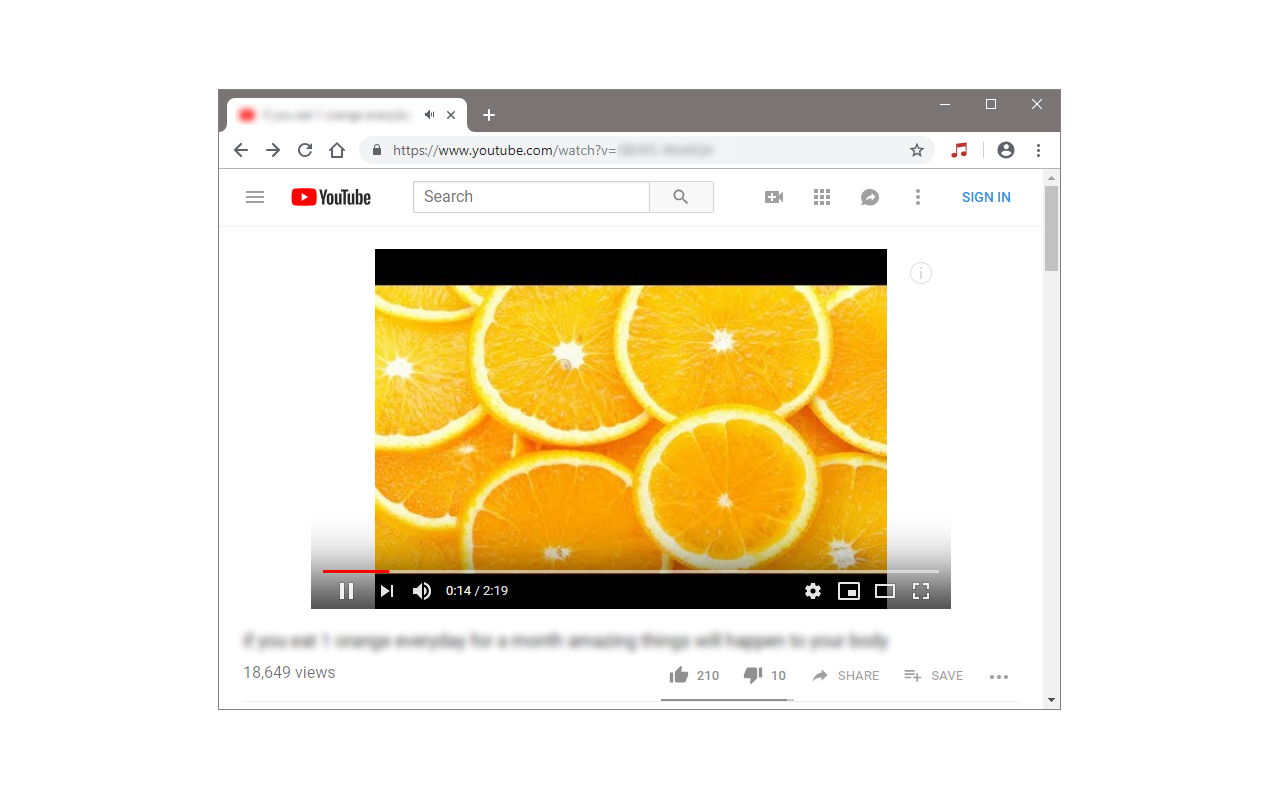
This extension lets you easily load YouTube videos with audio-only content. The toolbar button serves as an ON|OFF switch. When the button's color is red, the add-on is active and when the color is lite grey, it is inactive. Please note that the default state is active. When you open a YouTube page and play a video, the add-on automatically loads audio source only and prevents the video content from loading. This way, you will save your internet bandwidth because the video content is much larger compared to the audio content. Moreover, when you just want to "listen" to a video, there is no need to load the video content at all. Note: if you see any errors while the addon is active (i.e. the audio is not playing), please reload the page once. Moreover, this extension is not working for live video items. Important note: Audio Only for YouTube™ add-on does NOT belong or relate to YouTube and has NO affiliations with Google Inc. or YouTube website at all. It is an unofficial extension that is developed and maintained independently by its author. YouTube™ is a registered trademark of Google Inc. If you have a feature request, or found a bug to report, please fill out the bug report form on the add-on's homepage (https://mybrowseraddon.com/audio-only-for-youtube.html).
Audio Only for YouTube™ is free. There is no paid tier to consider.
Remove ads on YouTube and everywhere else you browse.

The world's most trusted crypto wallet

Connect to the fastest VPN out there — NordVPN. Hide your IP, block ads, and be safer online with our VPN proxy extension for Chrome

Powering your web experience with a reliable, endpoint protection layer.

Do more in Google Chrome with Adobe Acrobat PDF tools. View, fill, comment, sign, and try convert and compress tools.

One of the most installed ad blockers for Chrome, with simple whitelisting.
Yes, Audio Only for YouTube™ is free to install and use.
Browse the directory category for comparable options.
Picked from the same category and the tags audio, only, youtube — jump straight to the alternatives and head-to-head pages people open next.
Side-by-side feature tables, pricing and a clear recommendation.