Briskine: Email templates for Gmail™ Chrome extension logo

Briskine: Email templates for Gmail™

Write emails faster! Increase your productivity with templates and shortcuts on Gmail™, Outlook, or LinkedIn.

4.5617 reviews~100K+ usersEmailBy Briskine SRL
Free
Updated 2026-09-02

Briskine: Email templates for Gmail™ screenshots

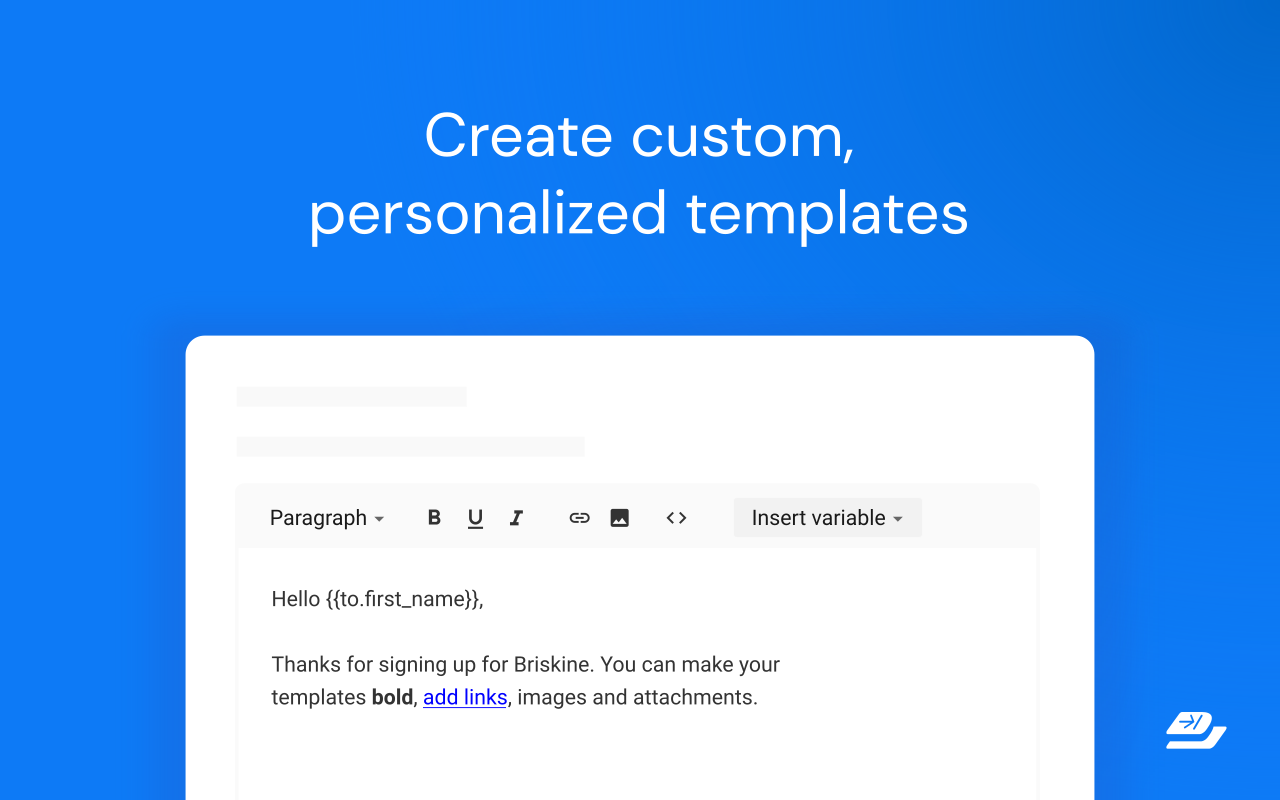
Briskine: Email templates for Gmail™ Chrome extension screenshot 1
Screenshots from the Chrome Web Store listing for Briskine: Email templates for Gmail™.

Overview

Write emails faster with templates. Create templates from repetitive pieces of text. Insert them into your emails or messages in seconds using shortcuts, and respond faster to your customers! ➤ Use for: Customer Support, Sales, Personal productivity. ➤ Works great on Gmail™, Outlook.com, LinkedIn, Facebook, and many more sites. ★ Keyboard shortcuts (or snippets) Do you always end your emails with “Kind regards, Ken”? With keyboard shortcuts, you can type kr, press the TAB key, and get the same result — only faster! ★ Create your own templates Do you often find yourself typing the same text in your emails? Turn it into a template! Then, use a shortcut to insert it and reply within seconds. Templates are similar to Gmail™ Canned Responses but are faster, easier to customize, and work on any site. ★ Variables Do most of your emails start with “Hello firstname”? Press h and then TAB, and Briskine will write “Hello Jennifer” (if you’re writing to Jennifer, of course). ★ Search Don’t remember your shortcuts? Search and insert templates directly from the compose box. ★ Share templates with your team (Premium) Make sure everyone has access to your company templates and set a consistent tone for your external emails. ★ Permissions and privacy Briskine needs broad permissions to work on any site. But you’re always in control: you can block it from running on specific sites (from the blocklist in the Briskine dashboard) or allow it to run only on some sites through Chrome’s extension settings. Find out more at https://www.briskine.com/ Your feedback is welcome at support@briskine.com

Pros

  • Lightweight and fast — doesn't slow down your browser
  • Simple to set up with an intuitive interface
  • Free to use with regular updates
  • Works in the background without getting in the way

Cons

  • Requires extra browser permissions to work fully
  • Advanced settings can take time to learn

Who should use Briskine: Email templates for Gmail™?

Pricing

Briskine: Email templates for Gmail™ is free. There is no paid tier to consider.

Similar extensions

Mailtrack Chrome extension logo

Mailtrack

Email
Freemium

Read receipts and link tracking for Gmail.

4.411,800 reviews3M+
View Extension
ScreenPal - Screen Recorder & Video Editor Chrome extension logo

ScreenPal - Screen Recorder & Video Editor

Email
Freemium

Record your screen & webcam, take screenshots, edit videos & images - easy & free!

4.3498 reviews100K+
View Extension
Linguist - web page translator Chrome extension logo

Linguist - web page translator

Email
Free

Web page translation, text translation, dictionary, history, custom translators, all you need to break language barriers

4.5364 reviews200K+
View Extension
Google Mail Checker Chrome extension logo

Google Mail Checker

Email
Free

Displays the number of unread messages in your Google Mail inbox. You can also click the button to open your inbox.

4.126,600 reviews2M+
View Extension
Email Finder by ContactOut – Email Lookup Tool Chrome extension logo

Email Finder by ContactOut – Email Lookup Tool

Email
Free

Find emails for 75% of Linkedin or ANY website. Save profiles to CRM. Chatgpt comments & email writer. Trusted by 76% of Fortune500.

4.4795 reviews600K+
View Extension
Fathom AI Note Taker for Google Meet Chrome extension logo

Fathom AI Note Taker for Google Meet

Email
Free

Records, transcribes & summarizes meetings FREE

4.91,700 reviews500K+
View Extension

Frequently asked questions

Is Briskine: Email templates for Gmail™ free?

Yes, Briskine: Email templates for Gmail™ is free to use.

Is Briskine: Email templates for Gmail™ safe to install?

Briskine: Email templates for Gmail™ is published by Briskine SRL. As with any extension, review the permissions it requests before installing and remove it if you stop using it.

What are the best Briskine: Email templates for Gmail™ alternatives?

Browse the Email category for comparable options.

Related extensions to Briskine: Email templates for Gmail™

Picked from the Email category and the tags briskine, email, templates — jump straight to the alternatives and head-to-head pages people open next.

Compare Briskine: Email templates for Gmail™ with the obvious rivals

Side-by-side feature tables, pricing and a clear recommendation.

Shortlists that include this category

Best Productivity Chrome ExtensionsThe 10 best productivity Chrome extensions in 2026, ranked with live store ratings and install counts. Includes what each is best for and the permissions to check.Best AI Chrome ExtensionsThe best AI Chrome extensions for writing, research and productivity — Monica, Merlin, ChatGPT for Google and more, ranked by usefulness.Best SEO Chrome ExtensionsThe best SEO extensions for Chrome — Ahrefs, MozBar, SEOquake and more, ranked by metrics, audits and ease of use.Best Privacy Chrome ExtensionsThe 9 privacy Chrome extensions worth installing in 2026 — ad blocking, tracker blocking and password vaults, with live store ratings and permission warnings.Best Tab Manager Chrome ExtensionsThe 7 best Chrome tab managers in 2026, compared: collapse tabs to free memory or save restorable workspaces. Live store ratings, install counts and trade-offs.Best Free Chrome Extensions12 genuinely free Chrome extensions — no trial, no locked core feature. Live store ratings and install counts, plus the permissions to check before installing.Best Password Manager Chrome ExtensionsThe best password manager extensions for Chrome in 2026 — Bitwarden, LastPass, 1Password and more, ranked by security, free tier and sync.Best Ad Blocker Chrome ExtensionsThe best ad blockers for Chrome in 2026 — uBlock Origin, Adblock Plus, AdGuard and Ghostery compared on blocking power, memory use and privacy.Best Tab Manager Chrome ExtensionsTame tab overload with the best tab manager extensions for Chrome — OneTab, Toby, Session Buddy and more, ranked by memory savings and organization.Best Screenshot Chrome ExtensionsThe best screenshot extensions for Chrome — GoFullPage, FireShot, Awesome Screenshot and more for full-page captures, annotation and recording.Best VPN Chrome ExtensionsThe best VPN extensions for Chrome — VeePN, Browsec, CyberGhost and more, ranked by speed, privacy and free tier.Best Bookmark Manager Chrome ExtensionsOrganize your links with the best bookmark manager extensions — Raindrop.io, Pocket, Google Keep and more, ranked by features.Best Note Taking Chrome ExtensionsCapture ideas fast with the best note-taking Chrome extensions — Notion, Evernote, Google Keep and Obsidian tools.Best Reading Chrome ExtensionsRead faster and cleaner with the best reading extensions — Reader View, Read Aloud, Pocket and more.Best Focus & Productivity Chrome ExtensionsBlock distractions and get more done with the best focus extensions — StayFocusd, Forest, OneTab and more.Best Screen Capture Chrome ExtensionsCapture screenshots and record your screen with the best Chrome extensions — FireShot, Screencastify and more.Best Privacy & Security Chrome ExtensionsProtect your privacy with the best Chrome extensions — ad blockers, tracker blockers and password vaults, ranked.Best Writing Chrome ExtensionsWrite better everywhere with the best writing extensions — Grammarly, LanguageTool, Text Blaze and more.Best Developer Chrome ExtensionsEssential Chrome extensions for developers — JSON tools, Markdown viewers, web scrapers and more.