

Malwarebytes Browser Guard
Privacy & SecurityFree
Block malware, scams, phishing and trackers for safer, cleaner, and ad-free browsing.
3.91,500 reviews11M+
View Extension
Change webpage styling for better readability
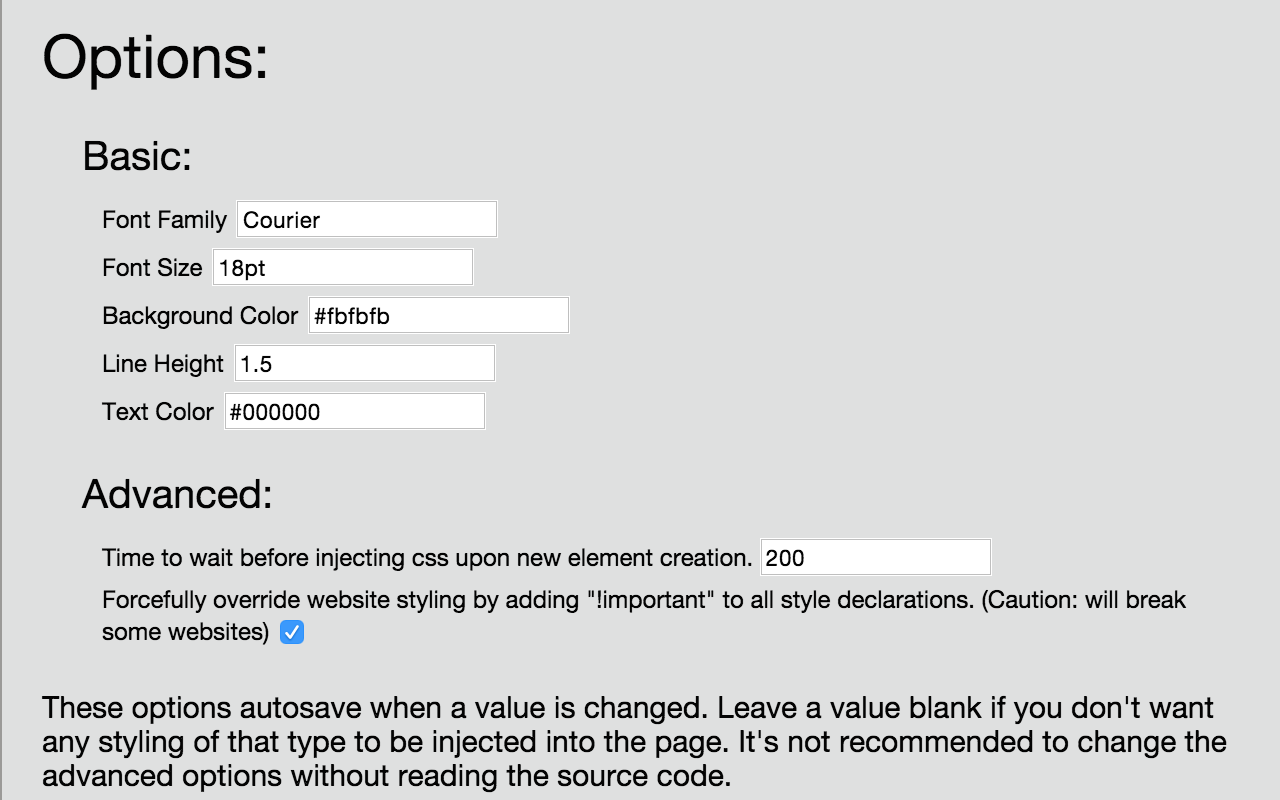
Dyslexia Reader Chrome is a Google Chrome extension that makes text easier to read. It changes text attributes such as font, font size, character spacing, column with, background color, text color, line spacing to values that have been shown to be easier to read by people with dyslexia, but these values can be changed. There are options to enable/disable the extension both by domain and globally Source code: https://github.com/CyrusRoshan/DyslexiaReaderChrome Dyslexia Reader Chrome is licensed under the MIT license. ===What's new in version 5.0.0?=== ---Compatibility with Chrome Manifest V3 ===What's new in version 4.0.0?=== ---New settings page ---More settings ---Sites can now be enabled when extension is disabled ---Site data can now be cleared via button ---Settings can now be reset to defaults via button ===What's new in version 3.5?=== --- Bugfix: extension no longer has trouble being enabled or disabled --- User-defined values: As requested, all values can now be user-defined, so it's really more "Style Changer Chrome" than "Dyslexia Reader Chrome" --- Forced injection: Injected values can now override other set values --- Changed Injection Methods: Style injection is now better and relies more on CSS and less on JS to make pages load faster. Note: The video is from a previous, more buggy version.
Dyslexia Reader Chrome is free. There is no paid tier to consider.
Block malware, scams, phishing and trackers for safer, cleaner, and ad-free browsing.

Tampermonkey lets you install and run userscripts to customize websites, automate repetitive tasks and enhance functionality.

Translate selected text or a full page without leaving the tab.

Powering your web experience with a reliable, endpoint protection layer.

Chrome Remote Desktop extension

One of the most installed ad blockers for Chrome, with simple whitelisting.
Yes, Dyslexia Reader Chrome is free to install and use.
Browse the directory category for comparable options.
Picked from the same category and the tags dyslexia, reader, chrome — jump straight to the alternatives and head-to-head pages people open next.
Side-by-side feature tables, pricing and a clear recommendation.