

OneTab
Tab ManagementFree
Collapse all open tabs into a single tidy list and reclaim memory.
4.414,600 reviews2M+
View Extension
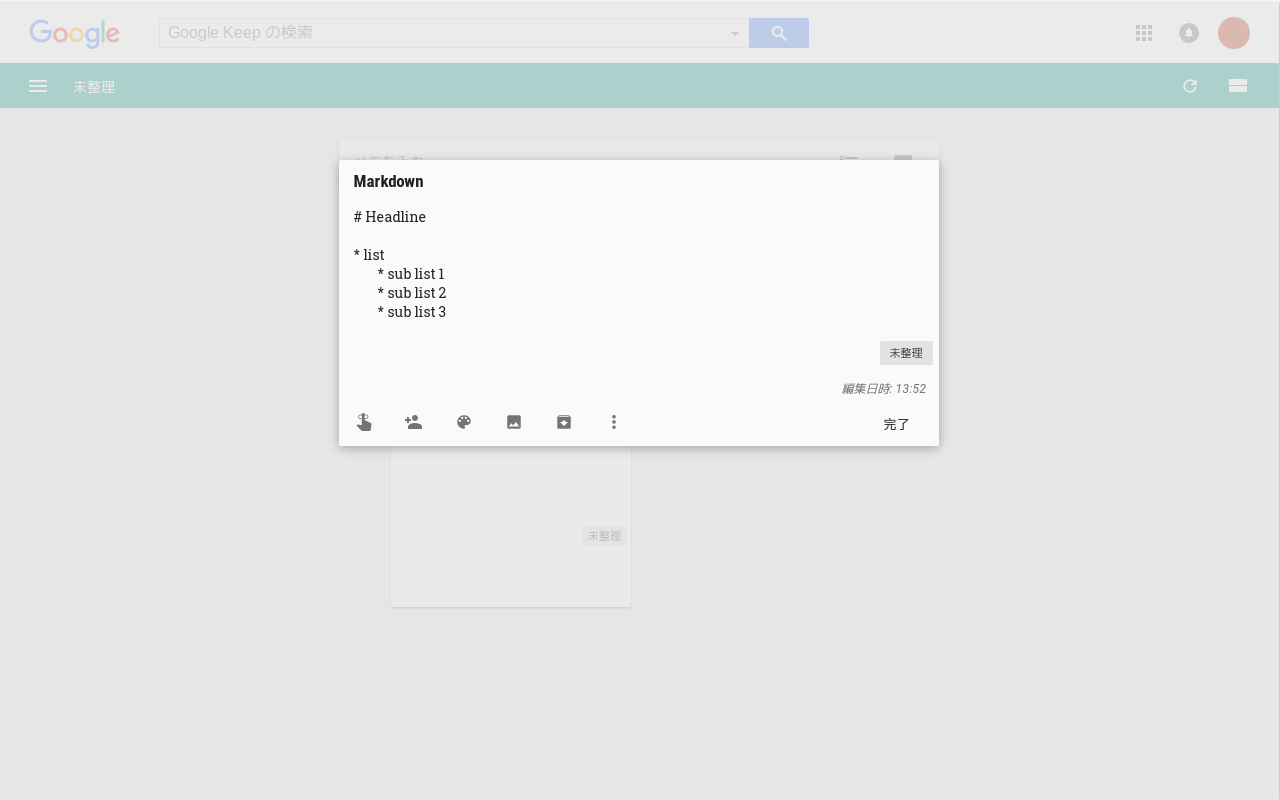
This is an extension for Google Keep. You can input tab ('Tab' button) into Google Keep memos.
Deutsch, English, English (United Kingdom), español, français, português (Brasil), 日本語, 한국어 Developer Website Email support@browsecraft.com Non-trader This developer has not identified itself as a trader. For consumers in the European Union, please note that consumer rights do not apply to contracts between you and this developer. Privacy Manage extensions and learn how they're being used in your organization Try Chrome Enterprise Core The developer has disclosed that it will not collect or use your data. To learn more, see the developer’s privacy policy. This developer declares that your data isNot being sold to third parties, outside of the approved use cases Not being used or transferred for purposes that are unrelated to the item's core functionality Not being used or transferred to determine creditworthiness or for lending purposes Support For help with questions, suggestions, or problems, visit the developer's support site
Input Tab in Google Keep is free. There is no paid tier to consider.
Collapse all open tabs into a single tidy list and reclaim memory.

Infinity New Tab allows you to customize your New Tab page

Increase browser speed and reduce memory load when you have numerous open tabs.

Display web pages using IE within Chrome. Use Java, Silverlight, ActiveX, Sharepoint, and more.

Quickly find open tabs, see all windows in one view, find duplicates and limit tabs per window. The best Tab Manager for Chrome.

Session manager that saves and restores full browsing sessions.
Yes, Input Tab in Google Keep is free to install and use.
Browse the Tab Management category for comparable options.
Picked from the Tab Management category and the tags input, tab, google — jump straight to the alternatives and head-to-head pages people open next.
Side-by-side feature tables, pricing and a clear recommendation.