

VPN for Chrome: NordVPN proxy protection
ProductivityFree
Connect to the fastest VPN out there — NordVPN. Hide your IP, block ads, and be safer online with our VPN proxy extension for Chrome
Store stats not synced yet
View Extension
This extension allows you to prevent your device from going to dim/sleep/hibernate/lock
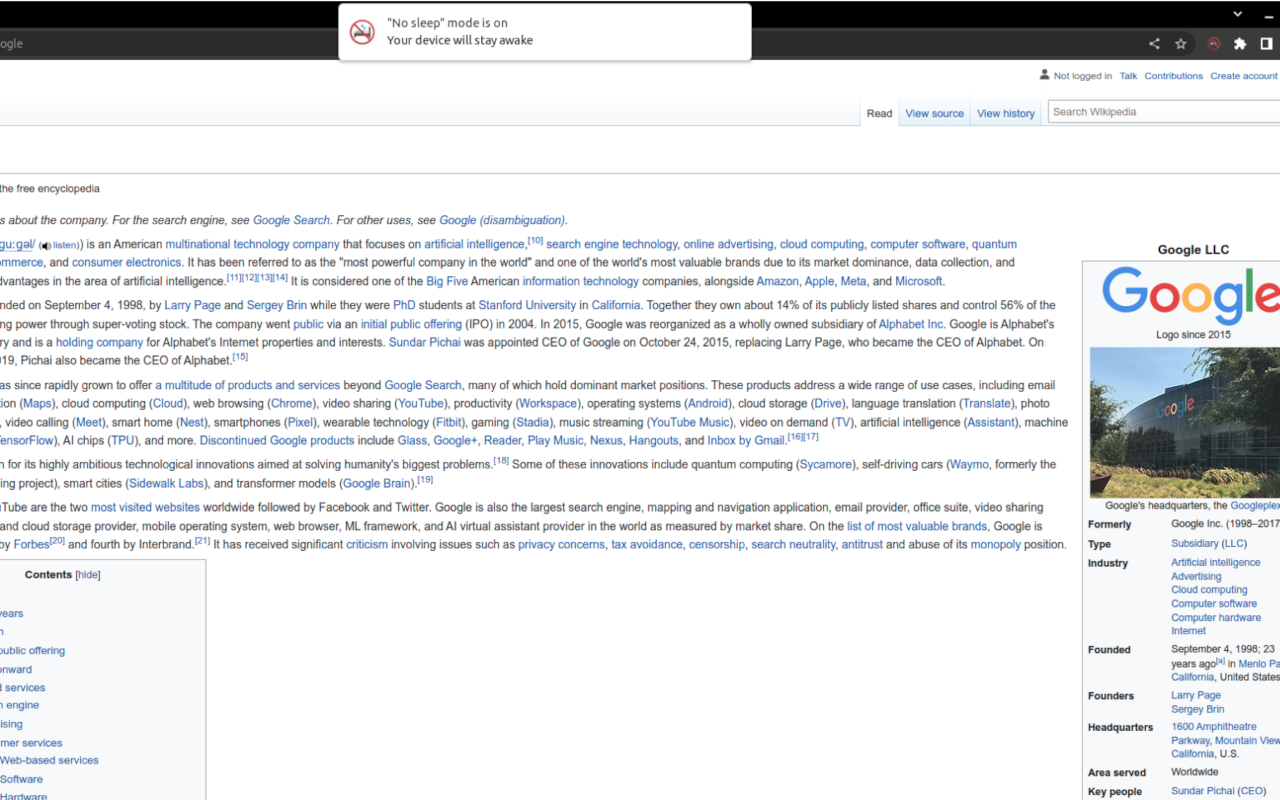
Chrome extension to keep your device awake, that works on mobile phones What it does? This extension allows you to prevent your device from going to dim/sleep/hibernate/lock state when there is no user activity. It is helpful for example during reading article or cooking meal using recipe from your favourite food blog. The lock is active only on the page on which you activate it, so you don't have to remember to release it when you're done. How it works? When you are on the page, and you don't want your screen to go dim while reading this page just click the icon of this extension. The lock releases when you: - go to another page - change tab in your browser - refresh the page - close/minimize browser - click on extension icon again How to use on mobile? Check Kiwi Browser - it is Chrome based mobile browser that supports chrome extensions Why it is better that other similar extenstions? There are some chrome extensions that work in similar way. They are great, but they don't work on mobile device Technical explanation Extension is using native browser api - wakelock, that was created exactly for this purpose. https://developer.mozilla.org/en-US/docs/Web/API/Navigator/wakeLock Attribution Icons used in this plugin are created by surang and were found on Flaticon website https://www.flaticon.com/free-icons/sleep
No sleep is free. There is no paid tier to consider.
Connect to the fastest VPN out there — NordVPN. Hide your IP, block ads, and be safer online with our VPN proxy extension for Chrome

Unmatched adblock extension against advertising and pop-ups. Blocks ads on Facebook, YouTube and all other websites.

VeePN is a VPN extension that unblocks websites and secures your connection with encrypted tunneling and unlimited bandwidth.

Block malware, scams, phishing and trackers for safer, cleaner, and ad-free browsing.

One of the most installed ad blockers for Chrome, with simple whitelisting.

Do more in Google Chrome with Adobe Acrobat PDF tools. View, fill, comment, sign, and try convert and compress tools.
Yes, No sleep is free to install and use.
Browse the directory category for comparable options.
Picked from the same category and the tags sleep — jump straight to the alternatives and head-to-head pages people open next.
Side-by-side feature tables, pricing and a clear recommendation.