

Tampermonkey
ProductivityFree
Tampermonkey lets you install and run userscripts to customize websites, automate repetitive tasks and enhance functionality.
4.773,000 reviews11M+
View Extension
Automatically enroll in your selected courses at your registration time for UT Austin!
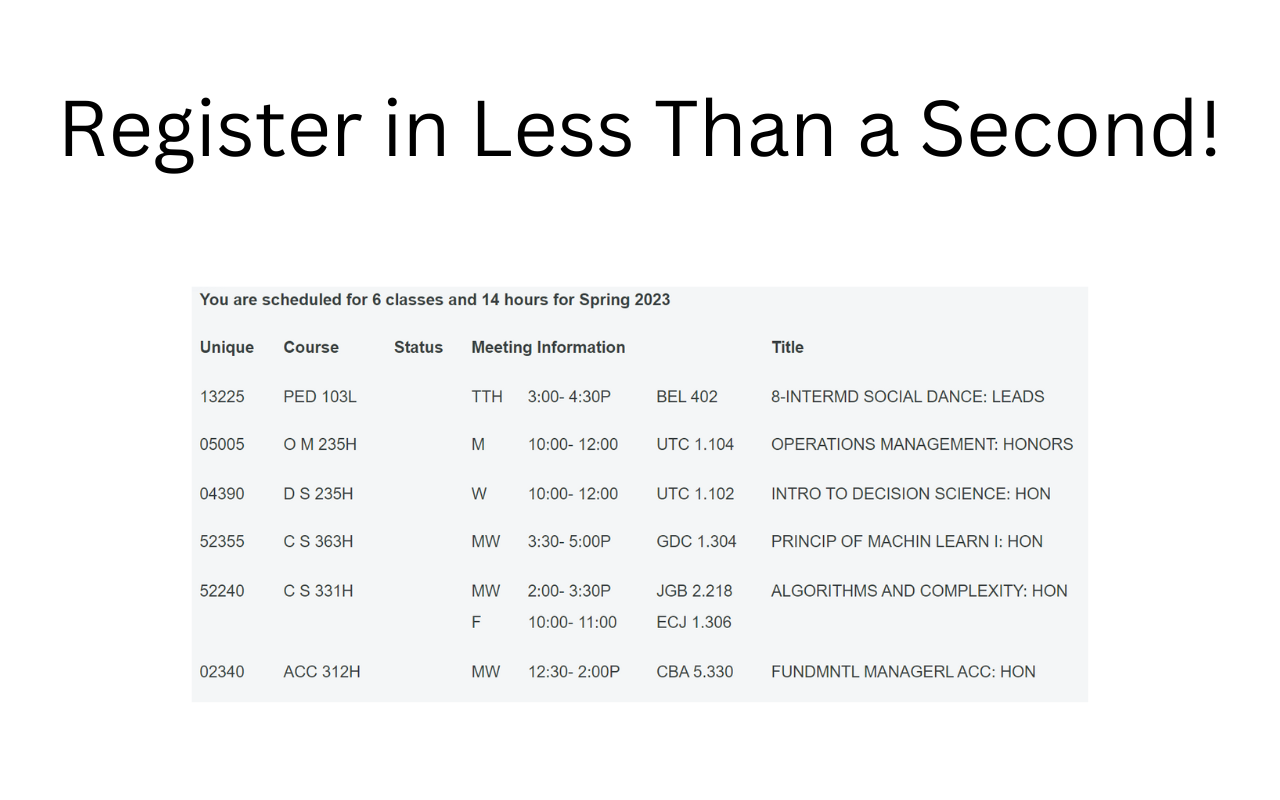
Registration at UT is a stressful process. You wake up early with a list of classes you want to get into, and desperately copy and paste course codes hoping to get what you want. It's needlessly stress inducing and difficult. That's why we created UT Course Scheduler. With a simple and intuitive user interface, sometime before your registration you just enter the courses you want, whether you want to add yourself to their waitlist if you aren't able to be added immediately, and alternate courses to try and get into if you aren't successfully added to your requested course. After adding your classes, simply set your registration time, and you're done! All you need to do on your registration day is log into your UT account before registration, and the extension will take care of the rest: opening your registration and adding you to all your classes and waitlists in less than 1 second! We recommend reading through the FAQ before registration, as it contains a guide so you can quickly learn the ins and outs of the extension. Make sure to look at the results afterward to confirm that you're happy with your registration. If not, you can make some manual edits as you would during a normal registration process. If you're curious what happened during your registration or why you weren't able to get into some of the courses you wanted, just check the log and you can see the full process throughout. We hope this tool will be very helpful to you and at the very least save you some time. If you enjoyed it, make sure to leave a positive review! Disclaimer: Not affiliated with the University of Texas at Austin, and should only be used at your own risk.
UT Course Scheduler is free. There is no paid tier to consider.
Tampermonkey lets you install and run userscripts to customize websites, automate repetitive tasks and enhance functionality.

Unmatched adblock extension against advertising and pop-ups. Blocks ads on Facebook, YouTube and all other websites.

Do more in Google Chrome with Adobe Acrobat PDF tools. View, fill, comment, sign, and try convert and compress tools.

Block malware, scams, phishing and trackers for safer, cleaner, and ad-free browsing.

One of the most installed ad blockers for Chrome, with simple whitelisting.

Chrome Remote Desktop extension
Yes, UT Course Scheduler is free to install and use.
Browse the directory category for comparable options.
Picked from the same category and the tags course, scheduler — jump straight to the alternatives and head-to-head pages people open next.
Side-by-side feature tables, pricing and a clear recommendation.