

Honey
ShoppingFree
Finds and applies coupon codes at checkout.
4.6179,700 reviews12M+
View Extension
Take selfies with your camera using our free fun effects.
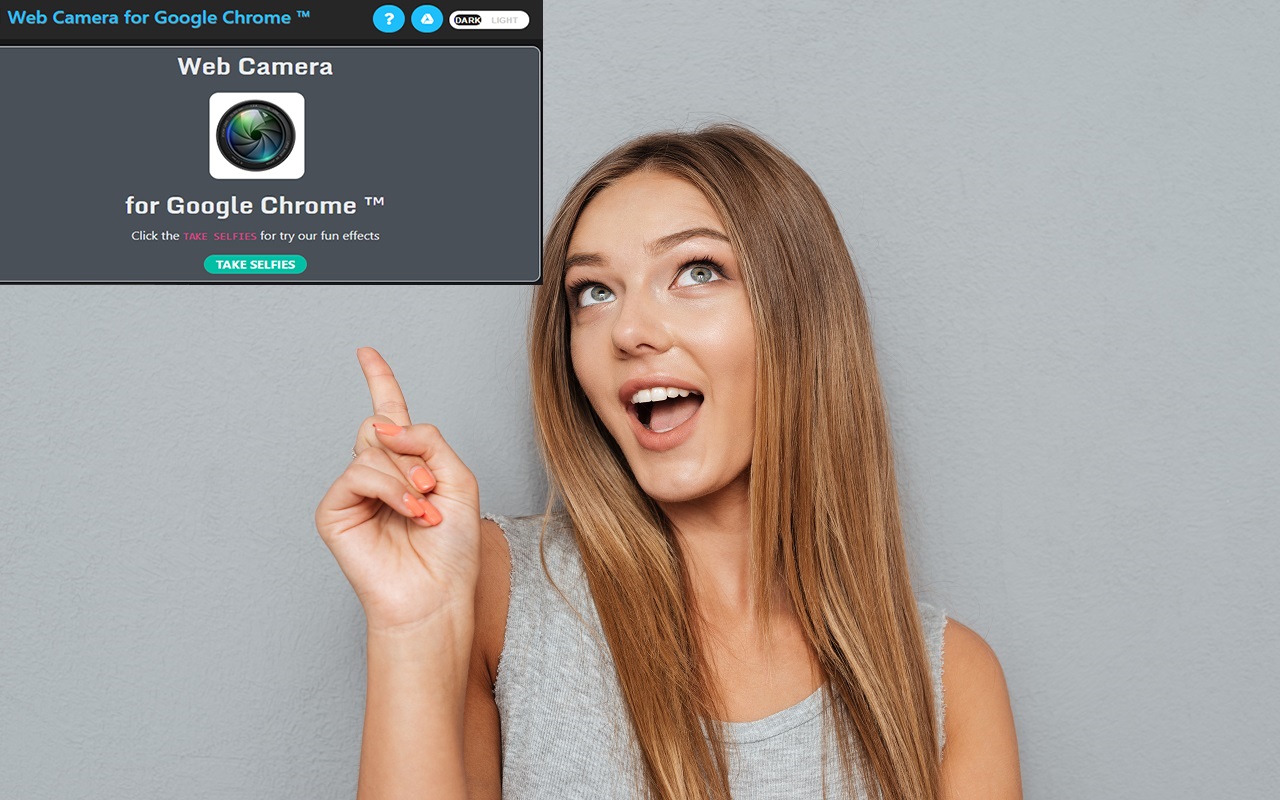
WebCam for Google Chrome — Take Selfies With Fun Live Effects WebCam for Google Chrome is a lightweight, privacy-friendly camera booth that lives right inside your browser. Open it in one click, strike a pose, and capture selfies with fun real-time effects — Grayscale, Sepia, Invert, Hue, Blur, and Contrast — then save your favorite shots as high-quality PNG images. No sign-up, no uploads, and no complicated software: everything runs locally on your own computer. This release is our biggest quality update yet. We rebuilt the extension for the latest version of Chrome (Manifest V3) and fixed the issues that were getting in the way of a smooth, reliable experience — and we added a whole set of features our users have been asking for. What we fixed - The camera works again. The core selfie flow now launches reliably on modern Chrome. The Take Selfies button, the effect carousel, the intensity slider, and the capture buttons all initialize correctly, every time. - Your saved photo matches your preview. Previously, the effect you saw on screen was not written into the downloaded file.
WebCam for Google Chrome ™ is free. There is no paid tier to consider.
Finds and applies coupon codes at checkout.

Tampermonkey lets you install and run userscripts to customize websites, automate repetitive tasks and enhance functionality.

Efficient, open-source content and ad blocker.

Block malware, scams, phishing and trackers for safer, cleaner, and ad-free browsing.

Remove ads on YouTube and everywhere else you browse.

Grammar, spelling and tone suggestions everywhere you write.
Yes, WebCam for Google Chrome ™ is free to install and use.
Browse the directory category for comparable options.
Picked from the same category and the tags webcam, google, chrome — jump straight to the alternatives and head-to-head pages people open next.
Side-by-side feature tables, pricing and a clear recommendation.