

Malwarebytes Browser Guard
Privacy & SecurityFree
Block malware, scams, phishing and trackers for safer, cleaner, and ad-free browsing.
3.91,500 reviews11M+
View Extension
Resize many images into many sizes at once — entirely on your device, with no upload.
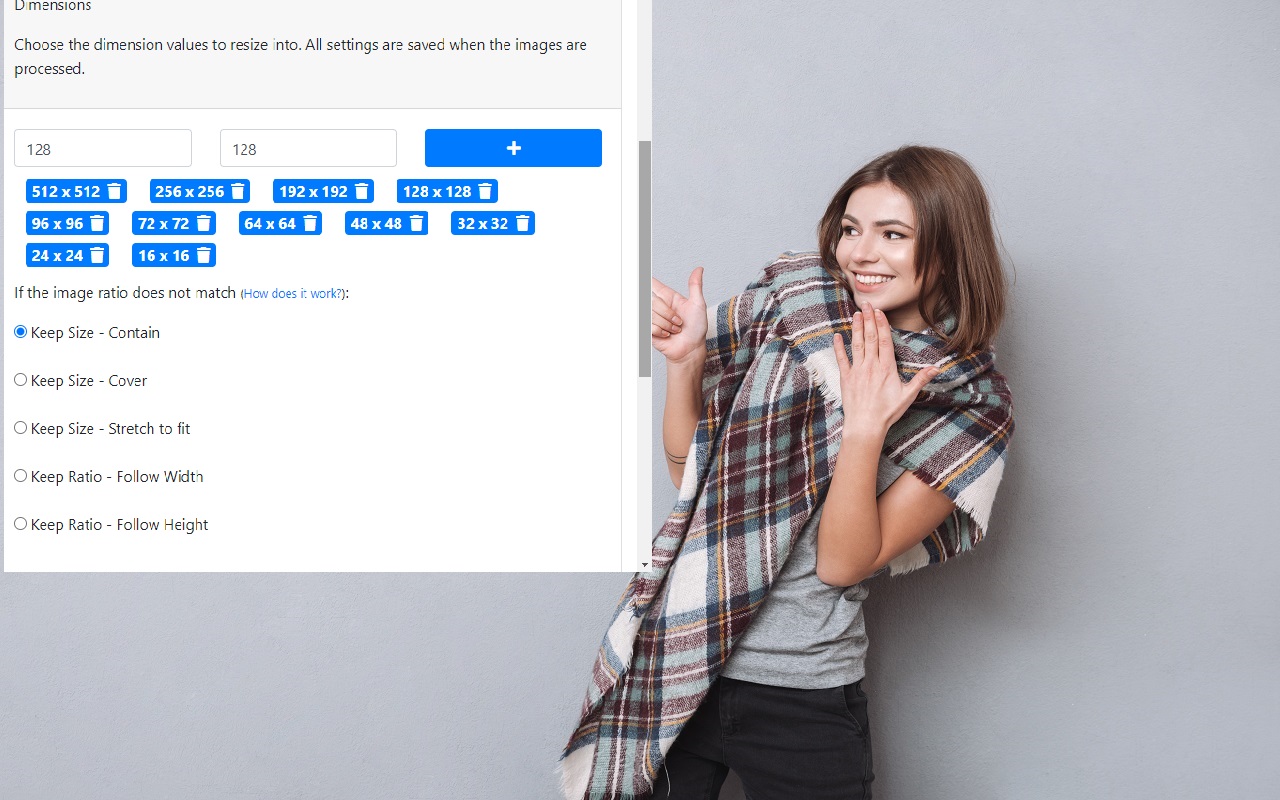
Bulk Image Resize — many images, many sizes, one click Resize a whole folder of images into every size you need at once. Drop in twenty photos, ask for eleven sizes, and get 220 files back in a single archive. Everything happens inside your own browser: your images are never uploaded, and the extension makes no network requests while it works. PRIVATE BY DESIGN There is no server. There is no account. The extension requests only two permissions — storage, for your settings, and downloads, for saving your results — and declares no access to any website. Your photos never leave your device. WHAT IT DOES Add images by dragging them anywhere onto the page, browsing for them, or dropping in a whole folder or a .zip archive. Pick your output sizes from quick-add buttons, type any custom width and height, or load one of ten built-in presets: favicon sets, PWA icons, iOS and Android app icons, social media formats, e-commerce product photos, thumbnails and responsive web widths. You can save your own size sets too. Choose how images are adapted when a photo's shape doesn't match the size you asked for. Fit keeps the whole image and pads the leftover space.
Bulk Image Resize is free. There is no paid tier to consider.
Block malware, scams, phishing and trackers for safer, cleaner, and ad-free browsing.

Efficient, open-source content and ad blocker.

Finds and applies coupon codes at checkout.

Grammar, spelling and tone suggestions everywhere you write.

Do more in Google Chrome with Adobe Acrobat PDF tools. View, fill, comment, sign, and try convert and compress tools.

Chrome Remote Desktop extension
Yes, Bulk Image Resize is free to install and use.
Browse the directory category for comparable options.
Picked from the same category and the tags bulk, image, resize — jump straight to the alternatives and head-to-head pages people open next.
Side-by-side feature tables, pricing and a clear recommendation.