

Adblock for Youtube™
ProductivityFree
✓ Permissions: like common ad-blocking extensions we do need default permissions on every website to remove ads or popups for exam.
4.4380,500 reviews10M+
View Extension
Equalizer for your Browser. Customize your sound by 10 bands, equalizer presets with collection music genres and a bass booster..
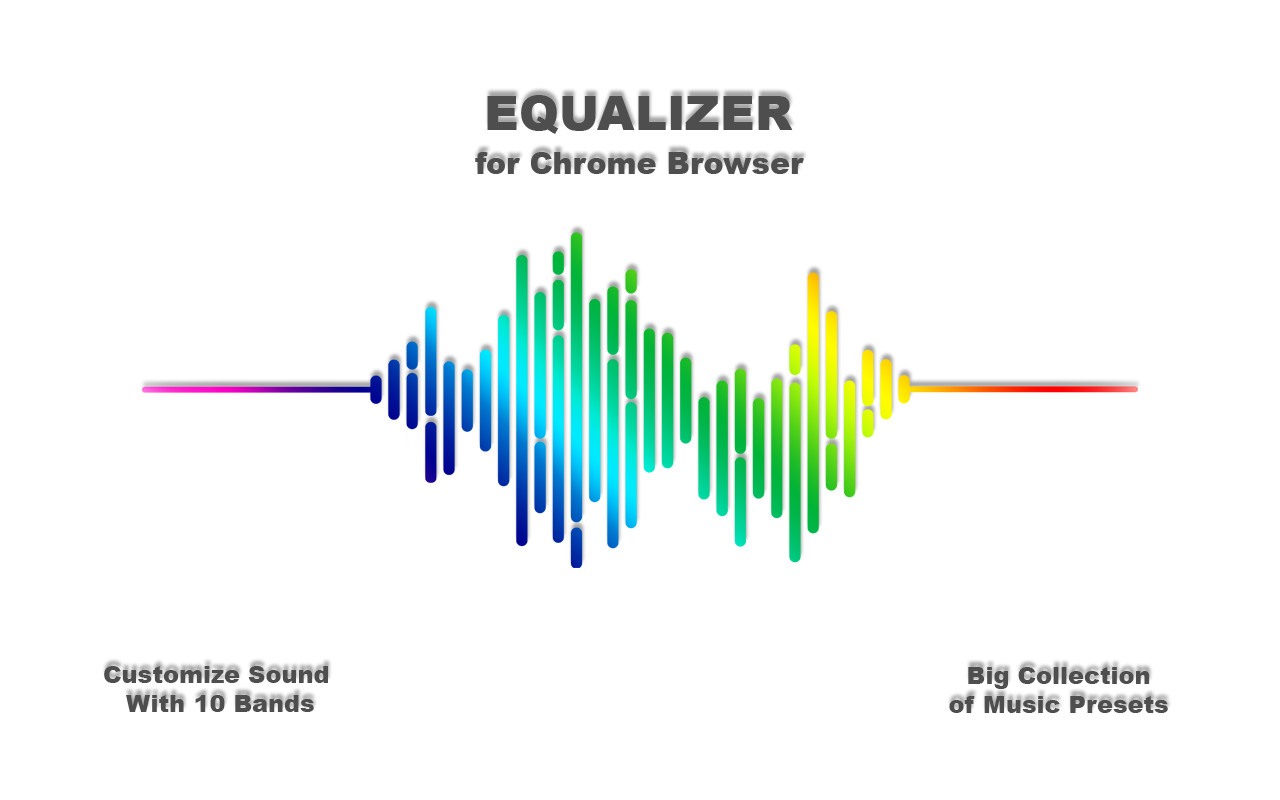
The Audio Equalizer allows you to adjust the balance between frequency components with a 10-band audio equalizer, many different sound settings and excellent control for quality sound. Used correctly, it can help you smooth out the sound, making it nicer and cleaner, whether it be adding volume to the low frequencies, removing some of the high frequencies, or adjusting the middle balance between them. This is a handy tool to help you customize the sound for you. Audio equalizer with 21 preset profiles for different music genres and for your taste. You can always edit them to your liking and save your profiles. Audio Equalizer (Eq) can create a surround sound effect, boost bass and increase the maximum volume on your device. You can use it to adjust the level of various frequencies in the audio stream, or to boost both low frequencies (bass) and high frequencies. You can use it as an equalizer for YouTube and other streaming audio, video sites. In addition, we have many other features that may surprise you. Some of our handy Equalizer features: - Preamplifier volume controls; - 10 ranges for sound adjustment; - 21 ready-to-use presets; - Low CPU usage while running; - Boost / Cut frequency in each band is +/- 12 dB; - Absolutely free equalizer extension. Audio Equalizer Preset List: - Acoustic; - Bass Booster (Bass Booster, Volume Booster); - Bass reducer; - Classic; - Dance; - Deep; - Electronic; - Hip-hop; - Jazz; - Latin music; - Volume; - Hall; - Piano; - Pop; - Rnb; - Rock; - Small loudspeakers; - Speech; - High frequency amplifier; - High frequency reducer; - Vocal amplifier. Functionality: Promo page usage within the extension. Opening a site page after updating the extension.
Equalizer for Chrome browser is free. There is no paid tier to consider.
✓ Permissions: like common ad-blocking extensions we do need default permissions on every website to remove ads or popups for exam.

Do more in Google Chrome with Adobe Acrobat PDF tools. View, fill, comment, sign, and try convert and compress tools.

The simplest and most reliable volume booster 🚀 Features ⭐️ Up to 600 % volume boost ⭐️ Control volume of any tab ⭐️ Voice boost -.

Schedule Zoom meetings directly from Google Calendar

Remove ads on YouTube and everywhere else you browse.

Your surfing made private and secure
Yes, Equalizer for Chrome browser is free to install and use.
Browse the Productivity category for comparable options.
Picked from the Productivity category and the tags equalizer, chrome, browser — jump straight to the alternatives and head-to-head pages people open next.
Side-by-side feature tables, pricing and a clear recommendation.