

Adobe Acrobat: PDF edit, convert, sign tools
Music & AudioFreemium
Do more in Google Chrome with Adobe Acrobat PDF tools. View, fill, comment, sign, and try convert and compress tools.
4.462,900 reviews311M+
View Extension
A very simple notepad for Chrome with sync functionality.
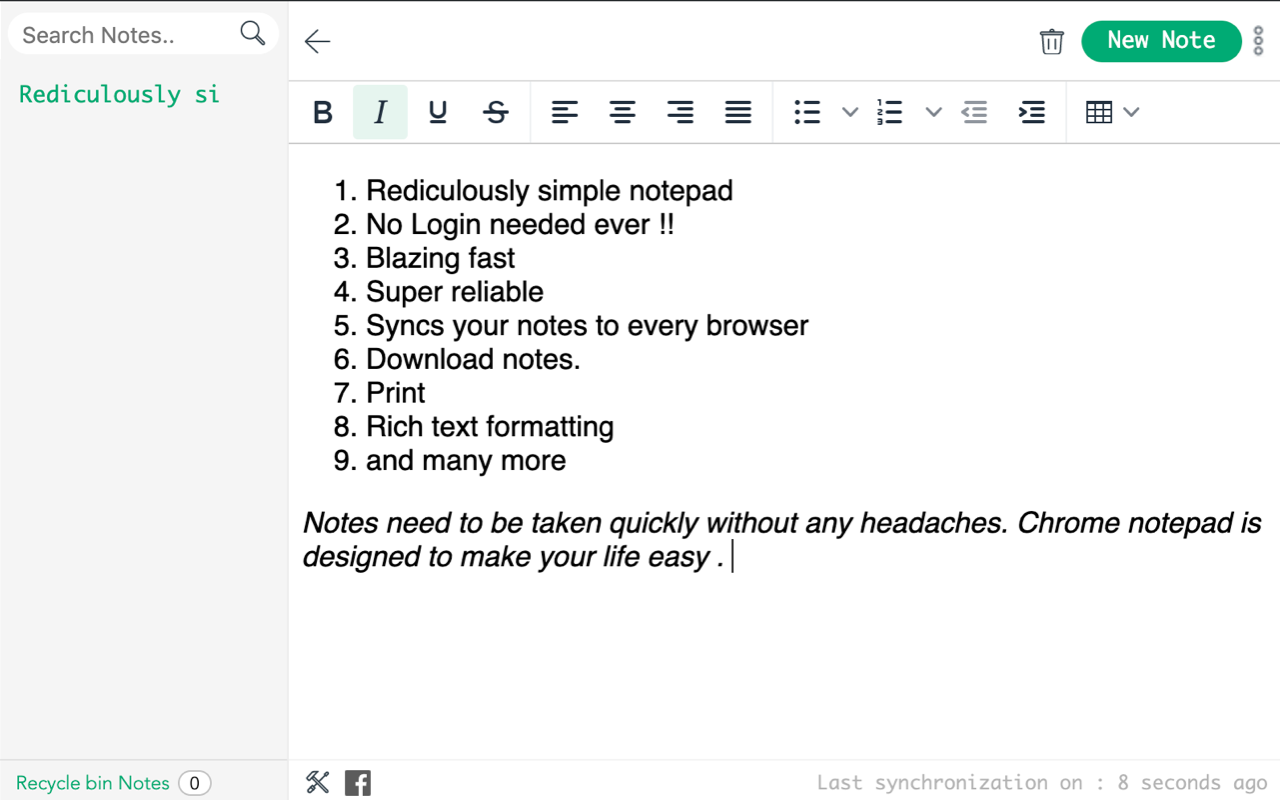
**A brand new version (5.0) has just been released** New features: - New Looks, - Multiple notes features - Search - Deleting - Auto Sync with bookmarks. - Reordering These are the people involved in this project: - Azharuddin @azharuddin31, azhar.mw@gmail.com (Development) - Prashanthi Mendu @MenduPrashanthi (Design and UX) - Rajdeep Barman @gs-rbarman (Development) - Viswadeepthi Rejinthala, vishwadeepthi.r@gmail.com (Development) ----- Chrome Notepad is a very simple notepad extension for Chrome that can sync notes to all your Chrome installations! Features: - Saves notes. - Remembers the last caret position (and scroll offset). - Reports last update. - Syncs notes (and caret position, scroll offsets) to all your computers. Latest changes: - Configurable font size. - Configurable notepad size. - Syncing on by default. - Fixed some syncing issues. - Bigger input area. On syncing: This extension includes syncing capabilities by utilizing the bookmark syncing mechanism of Google Chrome. In order for the syncing to work, you will have to enable bookmark syncing. Once you do that, a folder named BSync will show up in your "Other bookmarks" folder. Please don't remove it. Syncing takes place every 5+ minutes (if needed). *** SYNC NOT WORKING? *** In case sync is not working as it should, try to stop syncing for your Google account, restart Chrome and enable it back again. Read more on syncing here: http://bit.ly/ajt0W9 __________________________________________________________________ My other extensions: - Chrome Currency Converter: http://bit.ly/7pNM1a - My Extensions: http://bit.ly/5ZQhzW - Page Refresh: http://bit.ly/7EvOud - User ID: http://bit.ly/85ZbMG - My Alerts: http://bit.ly/7iEMXv - Pathfinder Weather: http://bit.ly/87G6RL (For Greeks)
Notepad is free. There is no paid tier to consider.
Do more in Google Chrome with Adobe Acrobat PDF tools. View, fill, comment, sign, and try convert and compress tools.

Remove ads on YouTube and everywhere else you browse.

The simplest and most reliable volume booster 🚀 Features ⭐️ Up to 600 % volume boost ⭐️ Control volume of any tab ⭐️ Voice boost -.

✓ Permissions: like common ad-blocking extensions we do need default permissions on every website to remove ads or popups for exam.

Browsec VPN is a Chrome VPN extension that protects your IP from Internet threats and lets you browse privately for free.

LastPass is an award-winning password manager for secure credential management on any device.
Yes, Notepad is free to use.
Notepad is published by https://www.bestprice.gr/. As with any extension, review the permissions it requests before installing and remove it if you stop using it.
Browse the Music & Audio category for comparable options.
Picked from the Music & Audio category and the tags notepad — jump straight to the alternatives and head-to-head pages people open next.
Side-by-side feature tables, pricing and a clear recommendation.