

Adblock Plus - free ad blocker
ProductivityFreemium
Remove ads on YouTube and everywhere else you browse.
4.4188,000 reviews37M+
View Extension
Start a web meeting (including video, audio, and chat) with your friends and right in your browser!
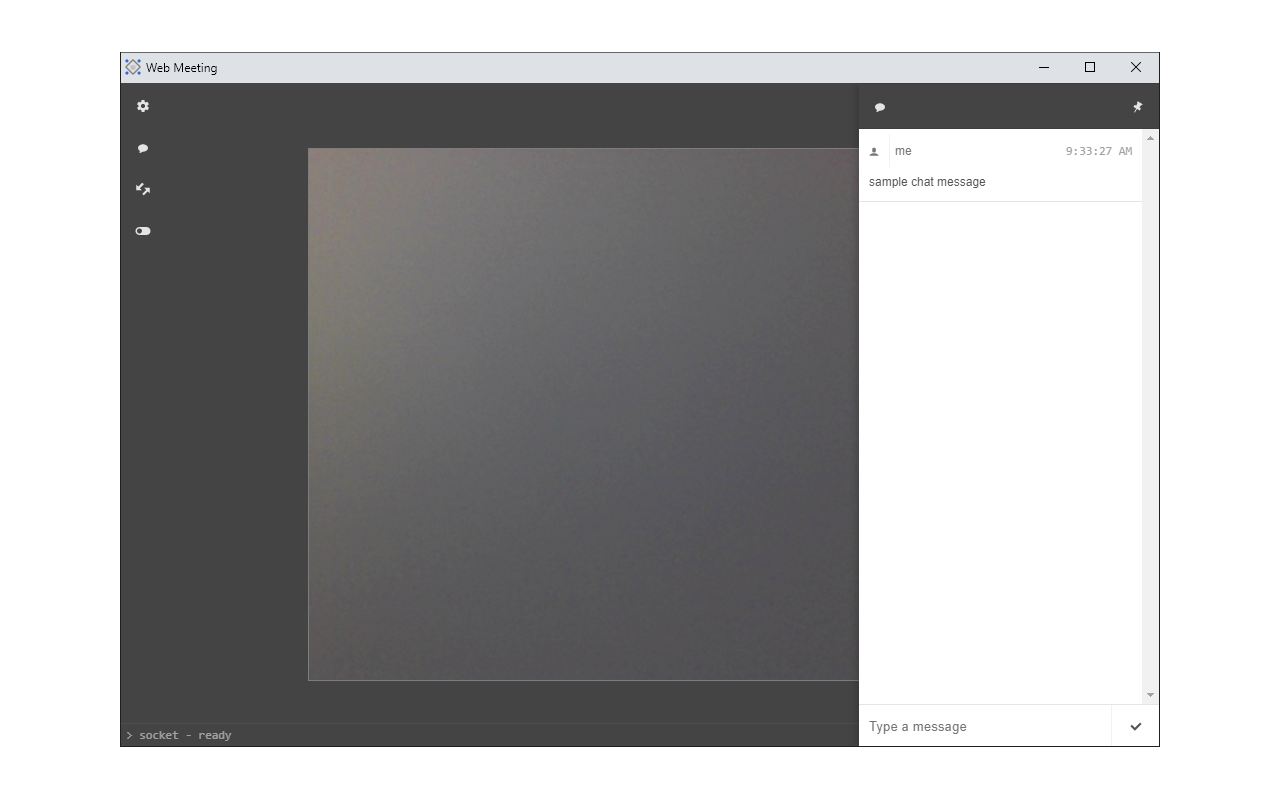
Web Meeting extension enables you to easily make online meetings (video & audio conference with chat) in your browser. Simply write a nickname, choose a meeting name and password, and then click on the join button to create or join a meeting. If a meeting with the given name already exists, you will be joined to the existing meeting, otherwise, a new meeting room will be created with the given name. Anyone with this username and password can join the created meeting. You can change the interface template via the template button on the left toolbar. There is also a toggle button to connect or disconnect the app from the WebSocket server. Note: this extension uses WebSocket (wss://) and WebRTC (stun:stun) servers for communication between peers in the meeting. Please read this (https://mybrowseraddon.com/privacy-policy/web-meeting.html) page to get more info. If you have a feature request or found a bug to report, please fill the bug report form on the addon's homepage (https://mybrowseraddon.com/web-meeting.html).
Web Meeting is free. There is no paid tier to consider.
Remove ads on YouTube and everywhere else you browse.

One of the most installed ad blockers for Chrome, with simple whitelisting.

Finds and applies coupon codes at checkout.

Translate selected text or a full page without leaving the tab.

The world's most trusted crypto wallet

Powering your web experience with a reliable, endpoint protection layer.
Yes, Web Meeting is free to install and use.
Browse the directory category for comparable options.
Picked from the same category and the tags web, meeting — jump straight to the alternatives and head-to-head pages people open next.
Side-by-side feature tables, pricing and a clear recommendation.